
Platform Add-Ons
Download Datasheet
Lux Add-On
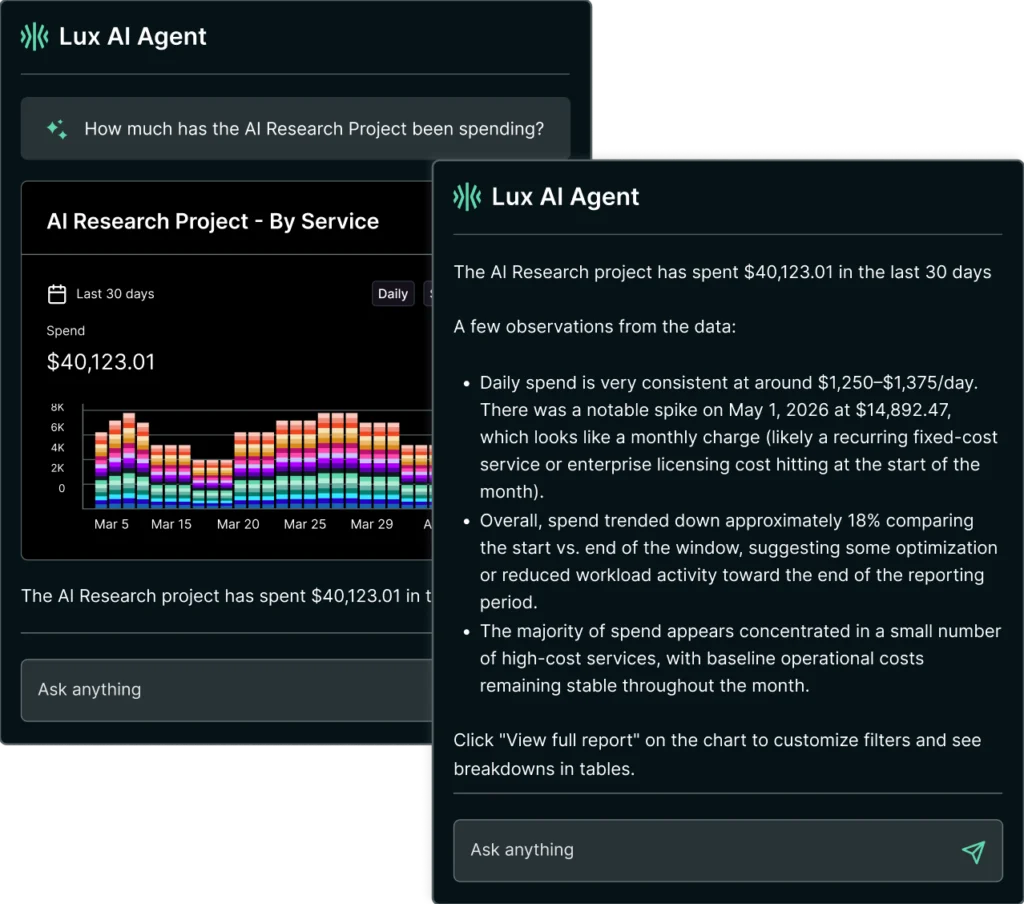
Agentic workflows for managing FinOps, governance, and cloud operations.
Use your preferred connected LLM to explore costs, build controls, and carry out tasks directly in Kion.
With Lux Add-On:
Faster Insights Across Cloud+
Explore cloud, AI, and SaaS costs conversationally. Find unusual spending and unused resources, then follow up to understand the causes.
Turn Insights Into Action
Control Where Your AI Data Goes
Choose the supported LLM provider Lux uses, including Amazon Bedrock in your own AWS account. Pair that choice with self-hosted Kion to align AI use with your organization’s data sovereignty requirements.
Get New Users Productive, Fast
Ask how Kion features work and receive guidance from its documentation. Help users learn workflows as they go, with less hands-on support.
Your AI, Your Rules
Lux follows Kion’s permissions and controls, keeping users within their authorized access. Your team controls what users can access and approves changes before they’re applied.
Keep Lux AI Costs Predictable
Cap token consumption for each user as adoption grows. Give teams access to Lux while managing its usage costs.

Beyond Cloud Add-On
Unify All Technology Spend in One FinOps Platform.
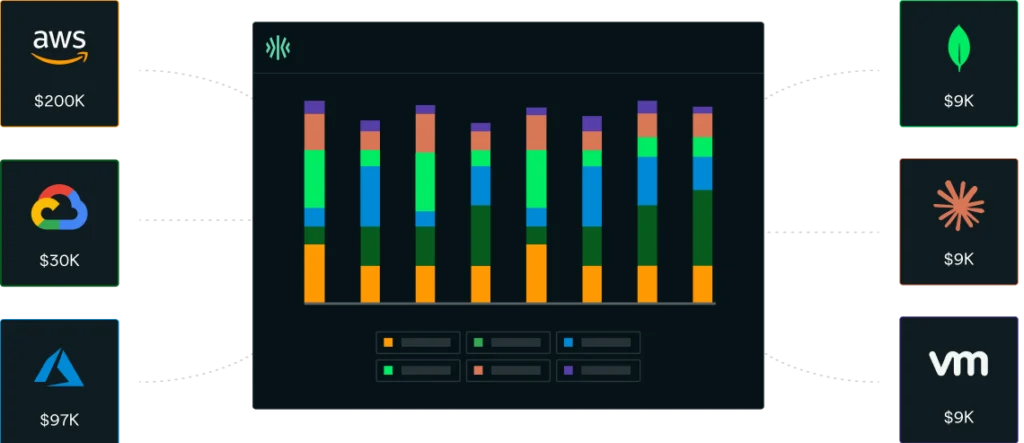
Custom Accounts brings SaaS, private infrastructure, licensing, and internal cost data into Kion alongside your cloud and native AI spend.
With Beyond Cloud Add-On:
SaaS, On-Prem, and More Connectors
FOCUS converters and custom accounts for SaaS, data platforms, private infrastructure, and more. Anything that fits into the FOCUS format can be connected into Kion.




Public Cloud and Native AI Integrations
Your cloud bills, plus AI spend from OpenAI, Anthropic, or AI services billed through your cloud provider.


Bring Non-Cloud Spend into View
See SaaS, data platform, and private infrastructure costs alongside cloud spend in Kion.
Give Every Cost an Owner
Assign additional technology costs to the teams, departments, and projects responsible for them.
Extend Showback and Chargeback
Include non-cloud costs in the allocation and reporting workflows your team already uses.
Keep Teams Informed with Alerts
Set spend thresholds for additional cost sources and notify teams when costs need attention.
Start with Pre-built Converters
Connect MongoDB, Databricks, and VMware with included converters—no custom development required.
Connect Your Own Cost Sources
Bring in internal services or other vendors through FOCUS-compatible data and custom converters.
Need a Custom Connector?
Kion’s Professional Services team will build a custom converter tailored to your specific vendor or data source. Delivered and scoped under a Professional Services Agreement alongside your Beyond Cloud add-on.