
Proactive Policies& Guardrails
Stop overspend and risky configurations before they happen. Kion applies policies across cloud accounts and AI workloads automatically, so teams can move fast within the limits you set.
Proactive Policies & Guardrails
Start with ready-made policies or write your own. Apply them once at the organization, OU, or project level, and Kion keeps every account in line, including new ones as they’re created.
Lights On / Lights Off Policies
Shut down non-production resources after hours and start them back up when work resumes. This includes AI workloads like SageMaker and Vertex AI workbenches.
Identify Untagged Resources
Find resources missing required tags across every account and cloud, so spend never goes unowned or unallocated.
Auto-Tag Resources
Automatically apply owner, project, and cost center tags to cloud resources. Allocation stays accurate without chasing down users and teams.
Enforce & Share Golden Images
Share approved, hardened images to every account and flag or block instances launched from anything else.
Approved AI Models Only
Allow the AI models your teams have approved and block the rest, including DeepSeek and anything security hasn’t cleared.
Spend-Triggered AI Guardrails
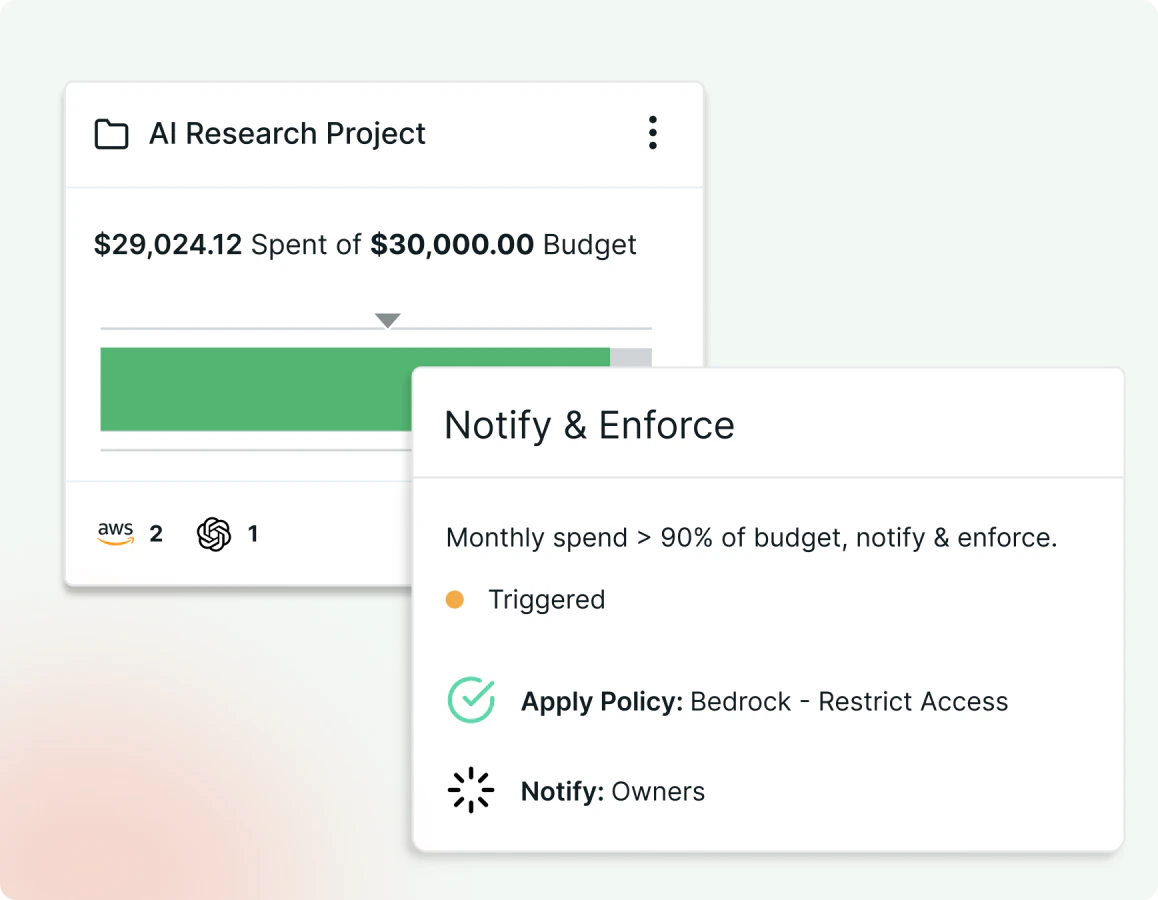
When AI spend crosses a project or OU threshold, Kion restricts access, or takes other actions through policies.
GPU Instance Controls
Keep high-cost GPUs (used for AI workloads) out of sandbox & development accounts, and cap instance sizes when spending reaches a defined threshold.
AI Only in Approved Accounts
Block AI services across the organization by default, and turn them on only for reviewed and approved accounts and OUs.
Find Shadow AI
Inventory GPU instances, Bedrock, SageMaker, and Azure OpenAI wherever they run, so nothing AI-related runs without an owner.
AWS Bedrock Guardrails
Deploy a standard Bedrock Guardrail configuration to every AI-enabled account to ensure uniformity across your enterprise.
Build Your Own
Write custom policies for cloud or AI workloads in plain language with Lux, or from your own AI tools through the Kion MCP server.
Spend Controls
When a budget threshold is approached, security policy exemption requested, or a decommissioning request received, Kion can automatically respond, freezing spend or initiating a workflow.
KEY CAPABILITIES
Automated actions based on enforcements or workflows
Support for Webhook integrations
Real-time and forecasted budget tracking
Waste Optimization
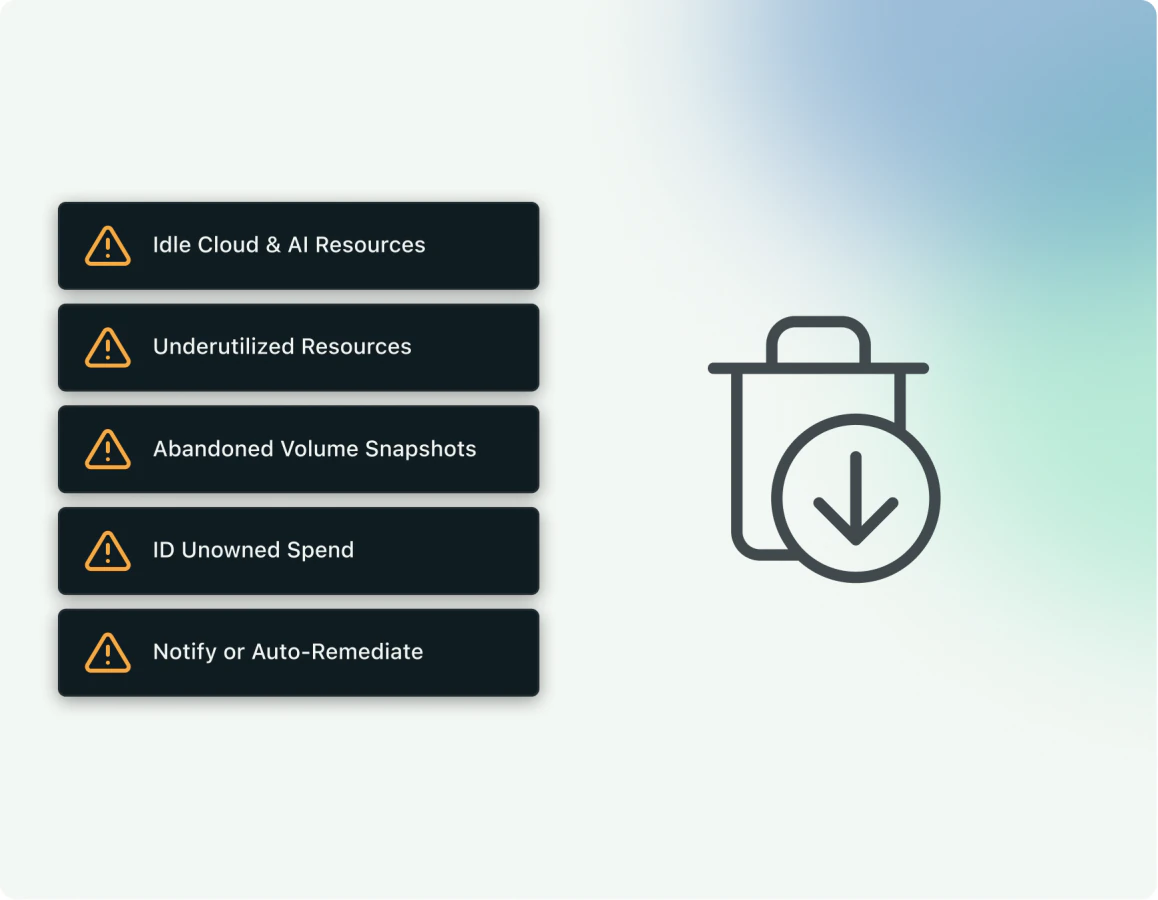
Unused and underused cloud resources can quietly drive up costs. Kion finds them across your cloud estate and automates rightsizing, scheduling, and decommissioning to keep unnecessary costs from piling up.
KEY CAPABILITIES
Underutilized and orphaned resources
Rightsizing and decommissioning
Snapshot and AMI lifecycle