
Kion’s MCP Server
Kion Data, Integrated with the AI Tools Your Team Already Uses
The Kion MCP server enables secure, structured access to your Kion environment through the AI tools you use today. Query cloud spend, surface spend anomalies and waste, and take governed actions, all through natural language, with the client of your choice. Connect Kion to any MCP-compatible AI client, including Claude, Cursor, ChatGPT, VS Code, and more.

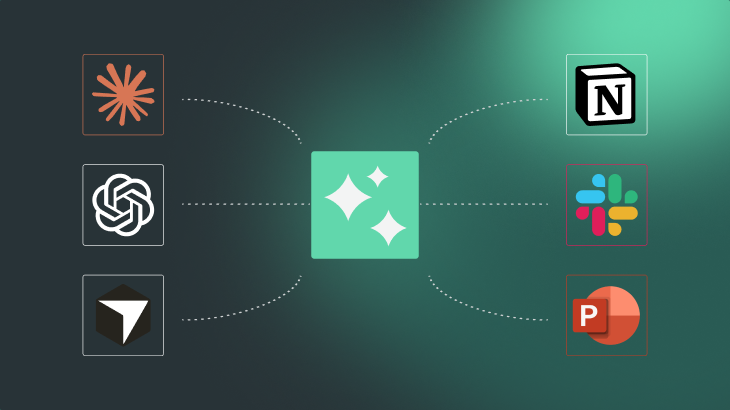
Kion MCP Works Across Your Tool Ecosystem
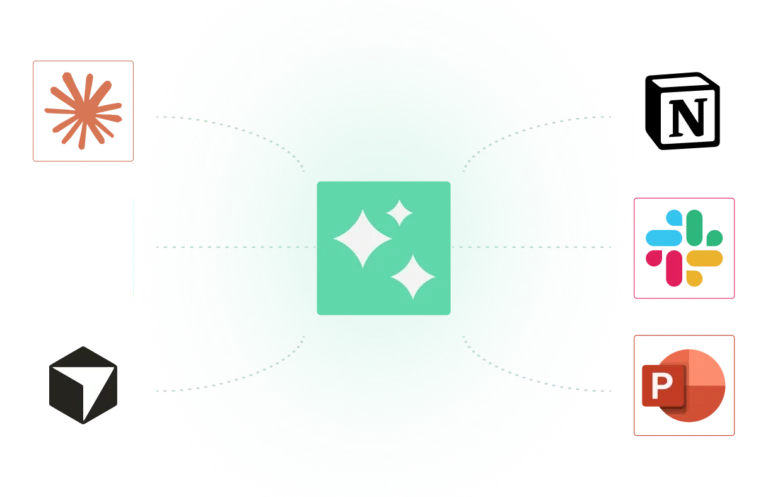
Kion MCP is built to connect. Pair it with your other MCP-enabled tools like Slack, Notion, GitHub, and more. Pull context from across your stack to deliver richer analysis, smarter recommendations, and reports that tell the full story.
Ask Anything About Your Cloud+ Environment
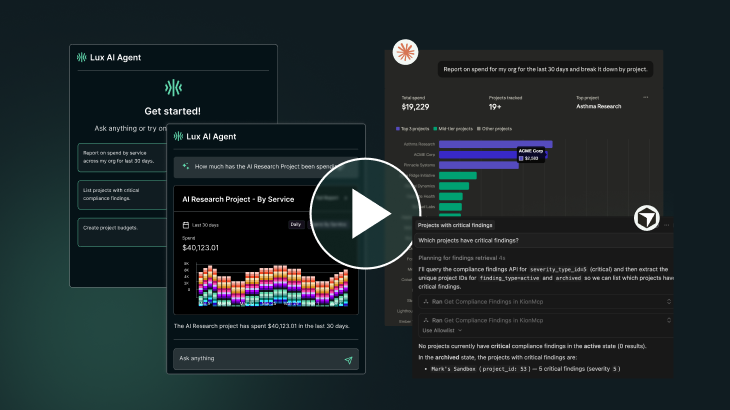
Kion MCP provides direct access to Kion data, with the AI client of your choice, all with the guardrails of each user’s Kion permissions.
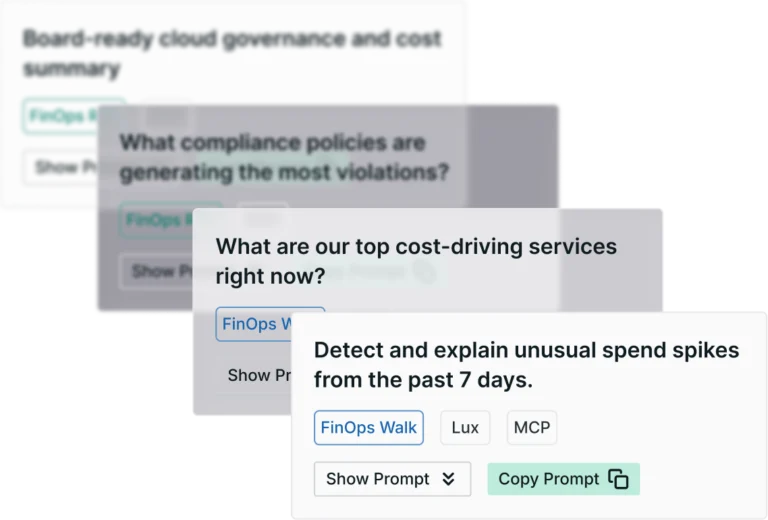
Answer questions like:
- “Which teams are overspending on AI?”
- “What’s the compliance standing for the production OU?”
- “Who has cloud access roles in the dev environment?”
- “What are the top spending services for Q1”
- “Which accounts have the highest month-over-month cost increase?”
From Connected Systems to Actionable Artifacts
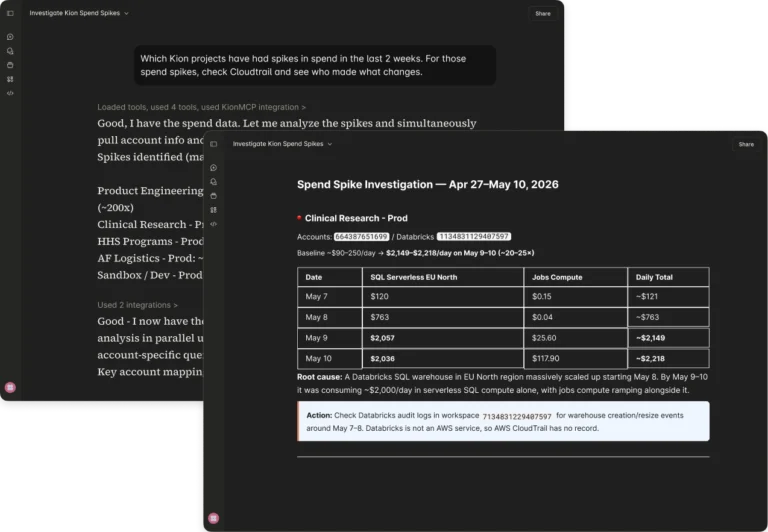
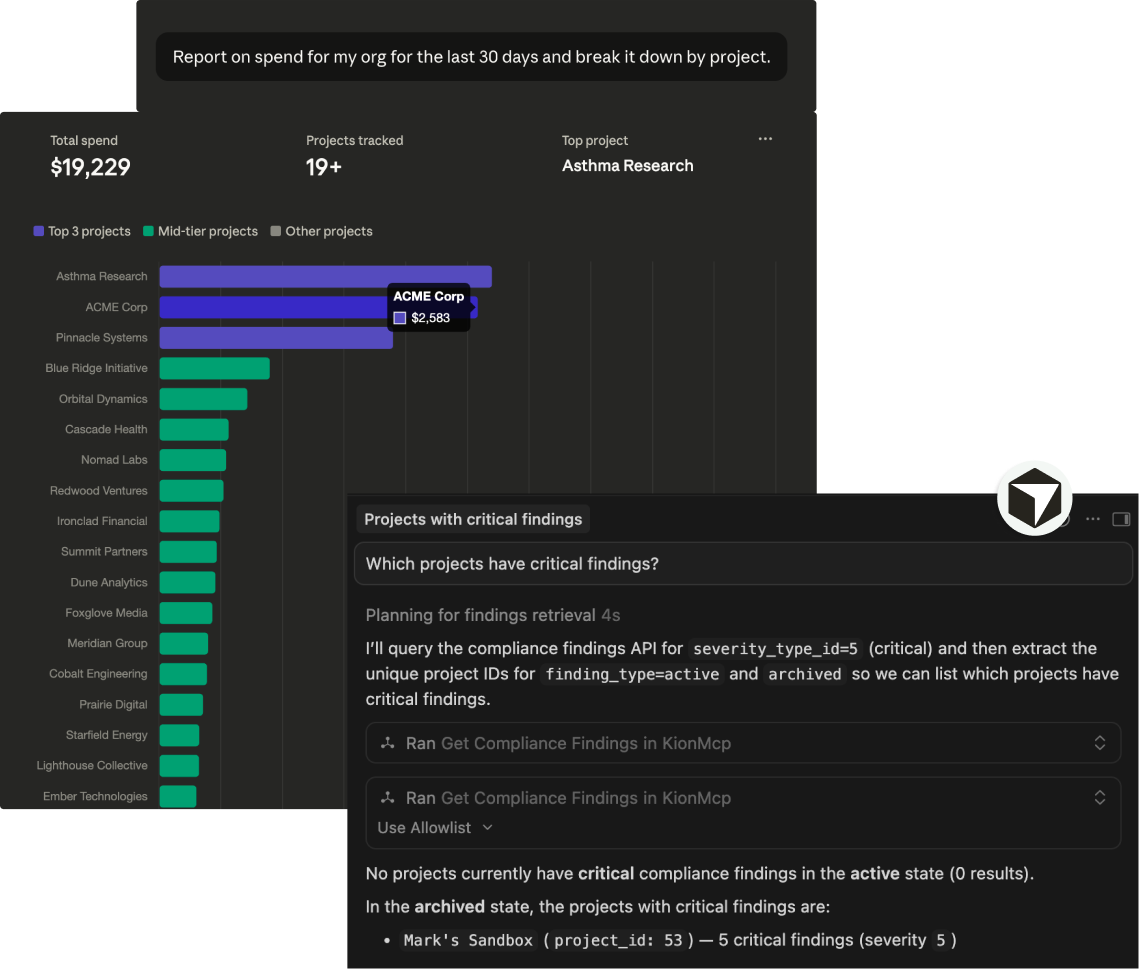
Your AI agent can work across multiple MCP connections simultaneously, combining Kion data with information from the rest of your tool stack.
Generate:
- Executive summaries
- Compliance reviews
- Cost attribution reports
- Incident analyses
- Operational recommendations
All grounded in live data from the systems your teams already use.
Get Started with Kion MCP
Connect your AI tools to Kion with step-by-step setup guides.
Built for Regulated Organizations
Kion is self-hosted. Your data never leaves your environment.
The Kion MCP server uses your existing Kion credentials and respects all access controls in your instance. Every action is scoped to your permissions and remains auditable.
Trusted By


Learn More about Kion MCP
Frequently Asked Questions
What is the Kion MCP server?
A server that implements the Model Context Protocol for the Kion platform, giving AI agents authenticated access to your cloud governance data through natural language.
What is MCP?
An open standard that lets AI agents connect to external systems and pull in live data — so instead of working from static training knowledge, the model can access your actual Kion environment in real time. Read our full explainer →
Which AI tools are compatible?
Any MCP-compatible client — including Anthropic Claude, OpenAI ChatGPT, Cursor, and VS Code with Copilot.
Is it secure?
Yes. Self-hosted, authenticated via your Kion API key, and scoped to your existing permissions. AI agents only see what your credentials allow
How do I get started?