Spend Controls
Keep cloud and AI spend on budget. Kion tracks spend against every budget and, where appropriate, can automatically take action when a threshold is reached.
Budgets & Enforcements
Kion ties every dollar to a budget and enforces it automatically. When spend gets close to a limit, Kion alerts the right people or steps in before it becomes an overage.
Set Budgets
Set budgets at the individual project or group level and tie them back to allocations of money representing cost centers. Kion tracks spend against each budget as it comes in, so teams always know how much they have left.
Enforce Actions
When spend crosses a dollar or percentage threshold, Kion can notify owners, apply policies (e.g. stop new resources from launching, or turn resources off until someone reviews it).
Catch Spend Spikes
Compare spend against the prior day, last month, or a daily average. When spend jumps unexpectedly, Kion alerts the project owner right away instead of at the end of the month.
Track Burn Rate
Kion watches how fast a project is spending, not just how much. If a project is on pace to run out of funds early, owners find out while there’s still time to adjust.
Waste Optimization
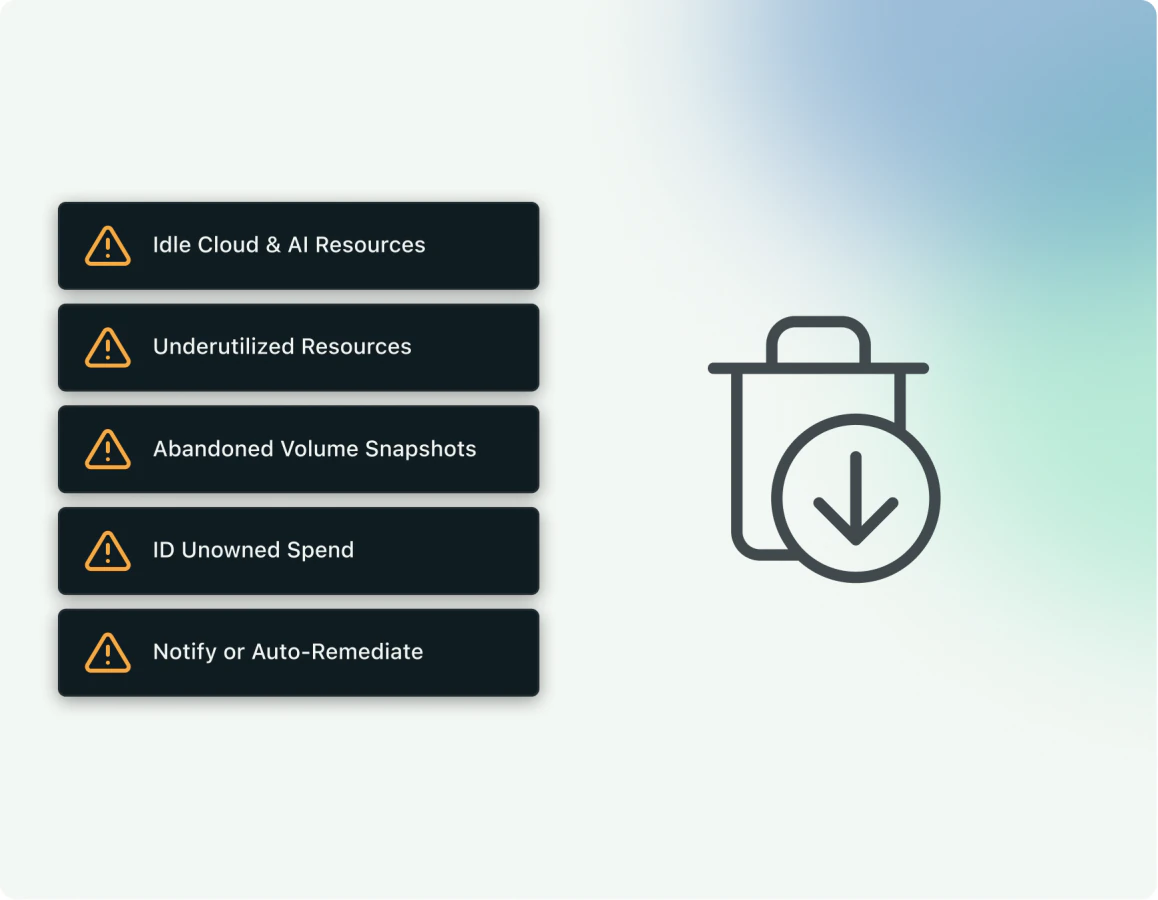
Unused and underused cloud resources can quietly drive up costs. Kion finds them across your cloud estate and automates rightsizing, scheduling, and decommissioning to keep unnecessary costs from piling up.
KEY CAPABILITIES
Underutilized and orphaned resources
Rightsizing and decommissioning
Snapshot and AMI lifecycle
Proactive Policies & Guardrails
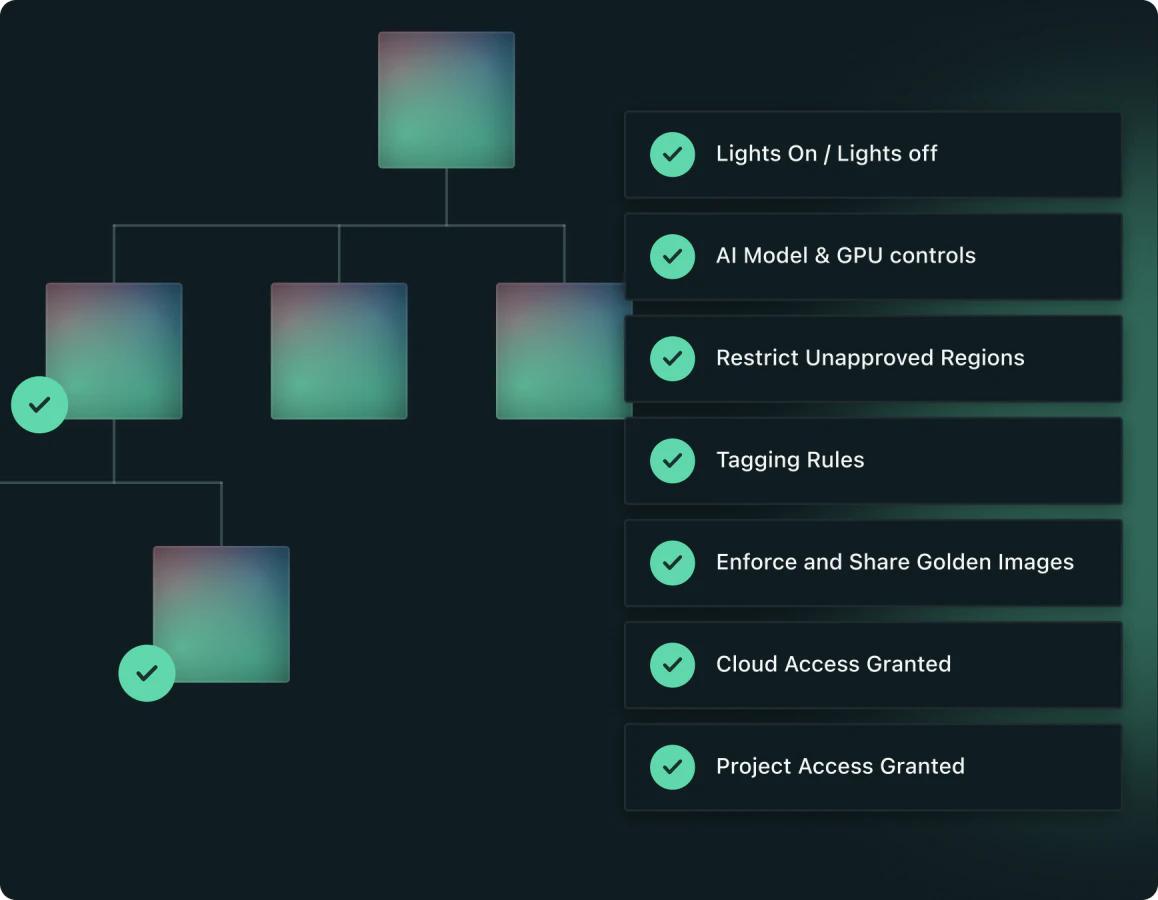
Set policies once and Kion keeps every account in line, including new ones as they’re created. Shut down resources after hours, keep tags clean, and control which AI models and GPU instances teams can use.
KEY CAPABILITIES
Lights on / lights off scheduling
Auto-tagging & tag hygiene
AI model and GPU controls
& More