
Identify Waste
Kion continuously scans every account across AWS, Azure, Google Cloud, and cloud-based AI services to find spend that isn’t providing any value. It shows you what it costs and who owns it.
Identify Underutilized and Orphaned Resources
Kion identifies underused resources and orphaned volumes, IP addresses, and load balancers left behind after sandbox experimentation or projects end. Each finding is presented to project teams allowing them to easily take action.
Rightsize Resources
Kion compares provisioned capacity to actual usage and recommends a right-sized option with estimated monthly savings. Project teams can review each recommendation and plan changes.
Decommission Resources
Stop or terminate resources that are no longer needed - on-demand or on a schedule. Decommissioning actions are tracked in Kion’s audit log.
Snapshot and AMI Lifecycle
Identify abandoned volume snapshots easily as part of waste removal. Cloud Rules help you support an AMI lifecycle with expiration dates to mark outdated images as unavailable.
Find Idle AI Resources
Find unused Bedrock, SageMaker, Azure OpenAI, and Google Cloud AI resources, see who owns them, and shut them down with automation policies.
Untagged and Unowned Spend
Kion flags resources that are missing required tags and reports untagged spend, so every dollar can be allocated to an owner.
Auto-Remediate or Manually Remediate
Kion lets you decide how waste is handled in each environment, with automatic remediation where it’s safe and approval workflows where it isn’t.
Auto-Remediate in Sandbox Accounts
For sandbox and development accounts, Kion can remediate clear waste automatically. It can remove abandoned and misconfigured resources and stop resources outside of working hours.
Notify and Approve in Production
For production accounts, Kion notifies resource owners and can open tickets through webhook integrations with ServiceNow and other ITSM tools. Changes run only after approval. Pair this with proactive guardrails that prevent waste from being created in the first place.
Proactive Policies & Guardrails
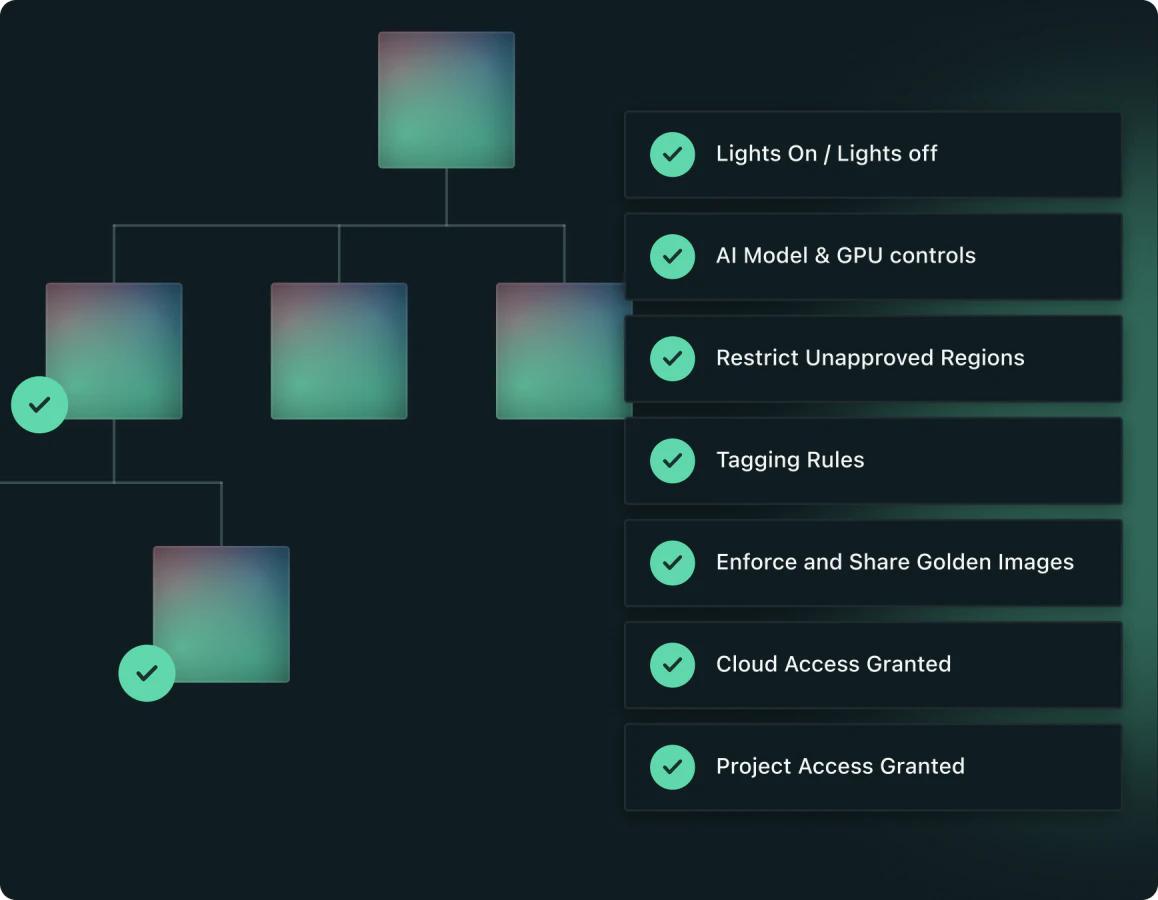
Set your policies once and Kion keeps every account in line, including new ones as they’re created. Shut down resources after hours, keep tags clean, and control which AI models and GPU instances teams can use.
KEY CAPABILITIES
Lights on / lights off scheduling
Tagging and tag hygiene
AI model and GPU controls
& More
Spend Controls
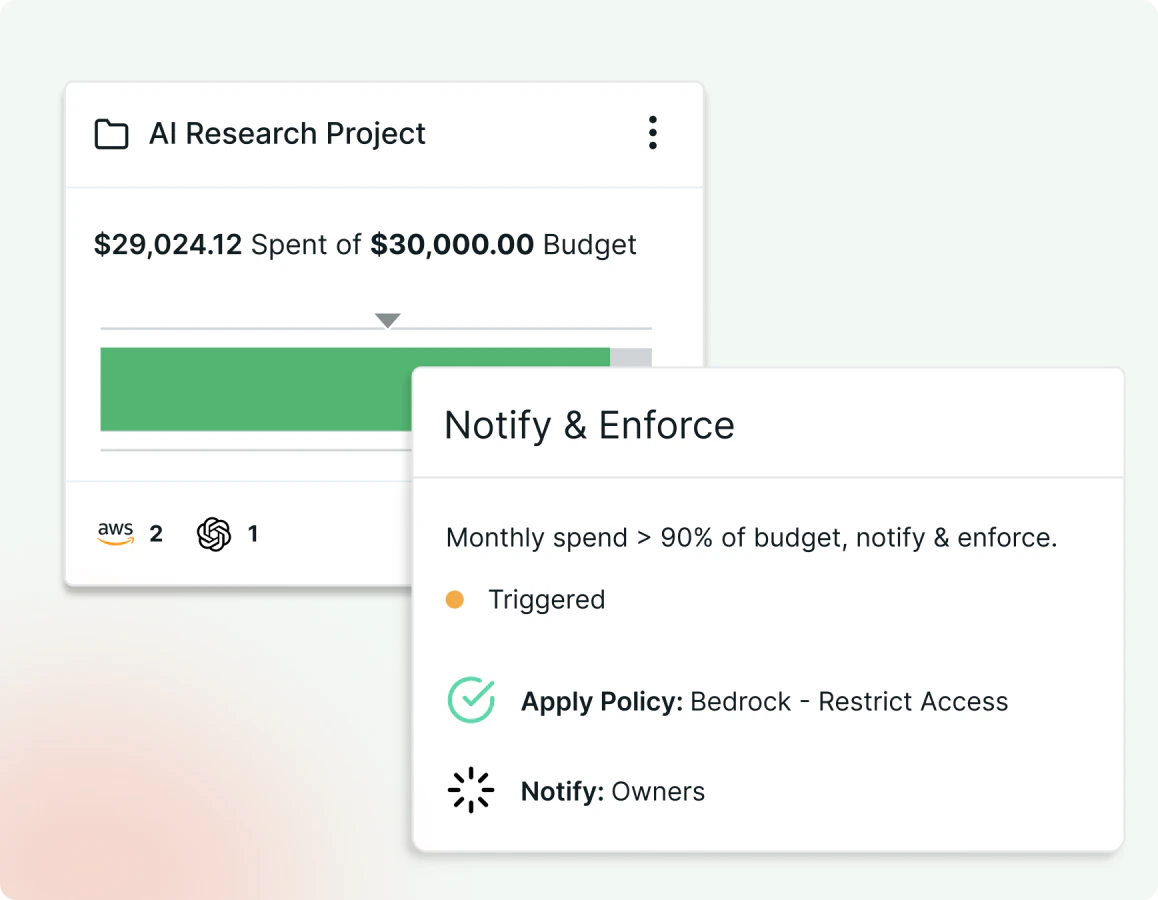
When a budget threshold is approached, security policy exemption requested, or a decommissioning request received, Kion can automatically respond, blocking new spend or initiating a webhook.
KEY CAPABILITIES
Automated actions based on enforcements or workflows
Support for Webhook integrations
Real-time and forecasted budget tracking