
Take Inventory of Your Cloud Assets
See What's Running Across Your Cloud Estate
Search, filter, and inspect resources by IP address, tag, or image ID.


Find What You Need, Fast
Understand your cloud inventory from a resource perspective. Locate resources across cloud providers using metadata such as IP address, tag values, or image ID.
Filter Results
Kion makes searching for resources as easy as your favorite eCommerce sites. Resource Inventory allows filtering of your resources with parameters like resource type, size, region, cloud provider, and many more.

View Costs by Resource
See spend associated with a specific AWS or Azure resource and visualize trends over its lifetime.
Explore Savings Opportunities
Kion will recommend potential savings and display them resource by resource, allowing you to rightsize certain parts of your environment without disrupting others.
Examine Compliance Findings
Whether you’re investigating a security event, preparing for an audit, or want to secure your most sensitive resources, Kion will show you compliance findings pertaining to a given resource so you can take action.

Find Insights by Resource
Identify attributes of resources across all cloud environments such as top spending database instances, compute instances, and storage buckets.
Identify Resource Trends
Track trends of growing resources across your cloud environments. View a breakdown of your top products and a graph of resource changes over time.

"We tried to use native tools but found the organizational structure to be lacking. Kion aligned our organizational structure with our business structure, provided better security and compliance control, and applied budgets all in one place."
– Solutions Engineering Director at a Top 100 University
See Kion in Action
Meet with one of our experts for a personalized demonstration. We’ll show you how Kion can help you speed up account creation and configuration so your team can get started in the cloud quickly.
Related Resources
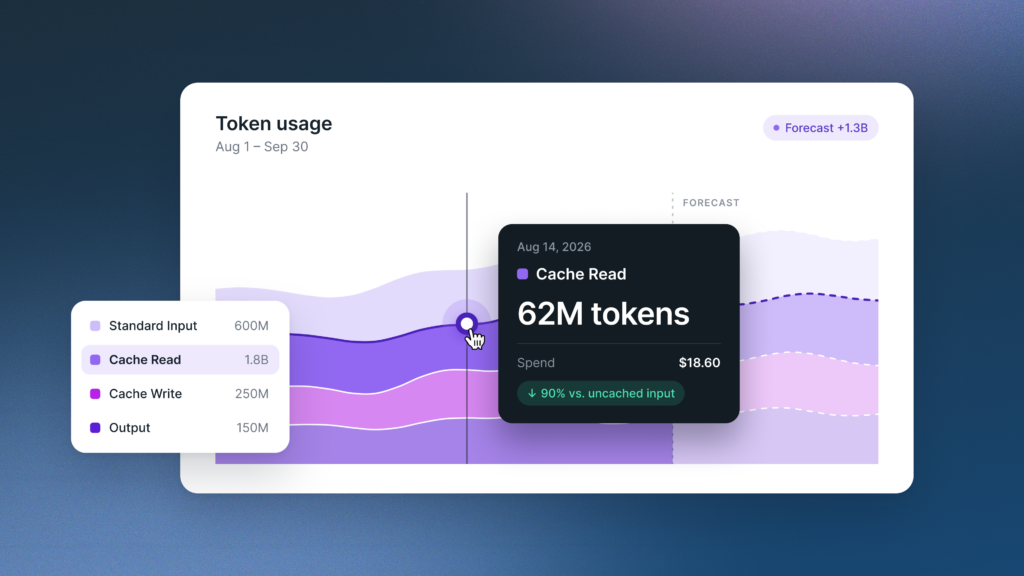
How to Forecast AI Token Spend
Learn how to forecast AI spend bottoms-up. Price input, output, and cached tokens separately, set a budget, and add alerts…Kion Team | November 6, 2026
How to Build an AI Chargeback Model
Learn how to build an AI chargeback model: start with showback, split shared AI costs, handle unallocated spend, and know…Kion Team | October 30, 2026
How to Maximize the Value of AI with Cost Guardrails
Visibility shows what AI costs. Cost guardrails help you scale, fix, or stop each AI use case based on the…Kion Team | October 28, 2026