
Control and Optimize Costs
Control Spend in the Cloud
Track spending against budgets, prevent overspending with enforcements, and reduce cloud costs.


Assign a Budget at Every Level
Kion makes establishing, tracking, and enforcing budgets across AWS, Azure, and Google Cloud at every level of your organization easy and effective.
Get Financial Model Flexibility
Kion gives you granular control to assign the level of accountability you want for each project and organizational unit. Have the flexibility from operating without a budget to enforcing strict attribution to funding sources – and everything in between.

Freeze or Limit Account Actions
Prevent blown budgets, unexpected spikes in spend due to new resources, and cost overruns by freezing or limiting account actions.
Set Conditional Triggers
Trigger enforcements based on conditions like total budget spent, the percentage change in spend, spend within a given timeframe, and more. Then, apply these constraints to projects, organizational units, or individual cloud services.

Realize Savings Opportunities
Kion identifies savings opportunities by detecting orphaned resources for termination and presenting resources that can be rightsized.
Provide Cost Visibility to Users
Whether you need 1 or 1,000 new cloud accounts, Kion’s automation can create as many preconfigured accounts as you need.
Send Timely, Contextual Notifications
Help users proactively manage their cloud spend by sending notifications to individuals or groups if projects are projected to exceed their budget, when enforcements are triggered, and more.

"We’ve implemented alert triggers in Kion that are based on percentage change, so we’ll be notified if there’s a significant increase in spend. In some cases, like a developer doing a lot of heavy computing, this increase makes sense, but Kion provides the opportunity for us to check and confirm this."
– Ben Jacobs, VP of Engineering, Encamp
See Kion in Action
Meet with one of our experts for a personalized demonstration. We’ll show you how Kion can help you speed up account creation and configuration so your team can get started in the cloud quickly.
Related Resources
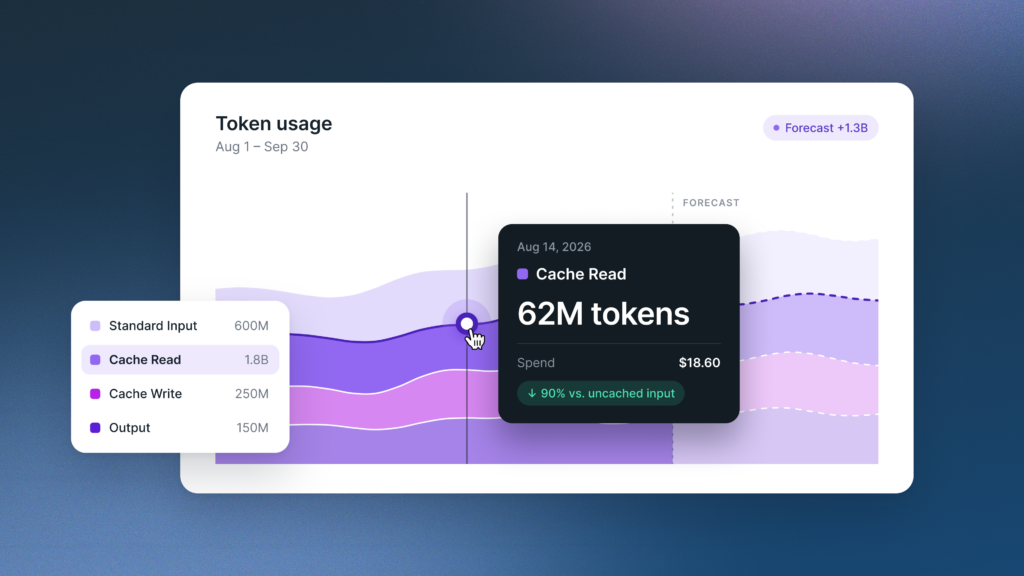
How to Forecast AI Token Spend
Learn how to forecast AI spend bottoms-up. Price input, output, and cached tokens separately, set a budget, and add alerts…Kion Team | November 6, 2026
How to Build an AI Chargeback Model
Learn how to build an AI chargeback model: start with showback, split shared AI costs, handle unallocated spend, and know…Kion Team | October 30, 2026
How to Maximize the Value of AI with Cost Guardrails
Visibility shows what AI costs. Cost guardrails help you scale, fix, or stop each AI use case based on the…Kion Team | October 28, 2026